Your people’s data deserves care
Before uploading employee cost rates, understand how StaffLedger Margin Forecast controls access and how Data Chat uses your information.
Workspace-scoped records
Employee and staffing records are scoped to your company workspace. Database access policies check workspace membership, rather than relying only on what a page shows.
Defined team roles
Account Admin and Project Manager roles separate master-data management from staffing workflows. Admin-only resources use database permission checks.
Read-only Data Chat
Data Chat checks sign-in, conversation ownership and workspace membership. Its approved tools read workspace records; they cannot change salary rates, staffing or projects.
AI and conversation data
When you use Data Chat, your questions and the workspace records needed to answer them are sent through Lovable AI. Chat history is saved per user and workspace so you can continue the conversation.
Avoid including bank details, national identity numbers or other unnecessary personal information in questions. Confirm your company’s requirements for AI processing before using Data Chat with sensitive records.
What this page does not promise
This page describes implemented access controls, not an independent security audit or certification. We do not claim SOC 2 or ISO 27001 certification, specific data residency, backup recovery guarantees, or AI retention and training terms here. Confirm those requirements before importing sensitive data.
A look inside StaffLedger
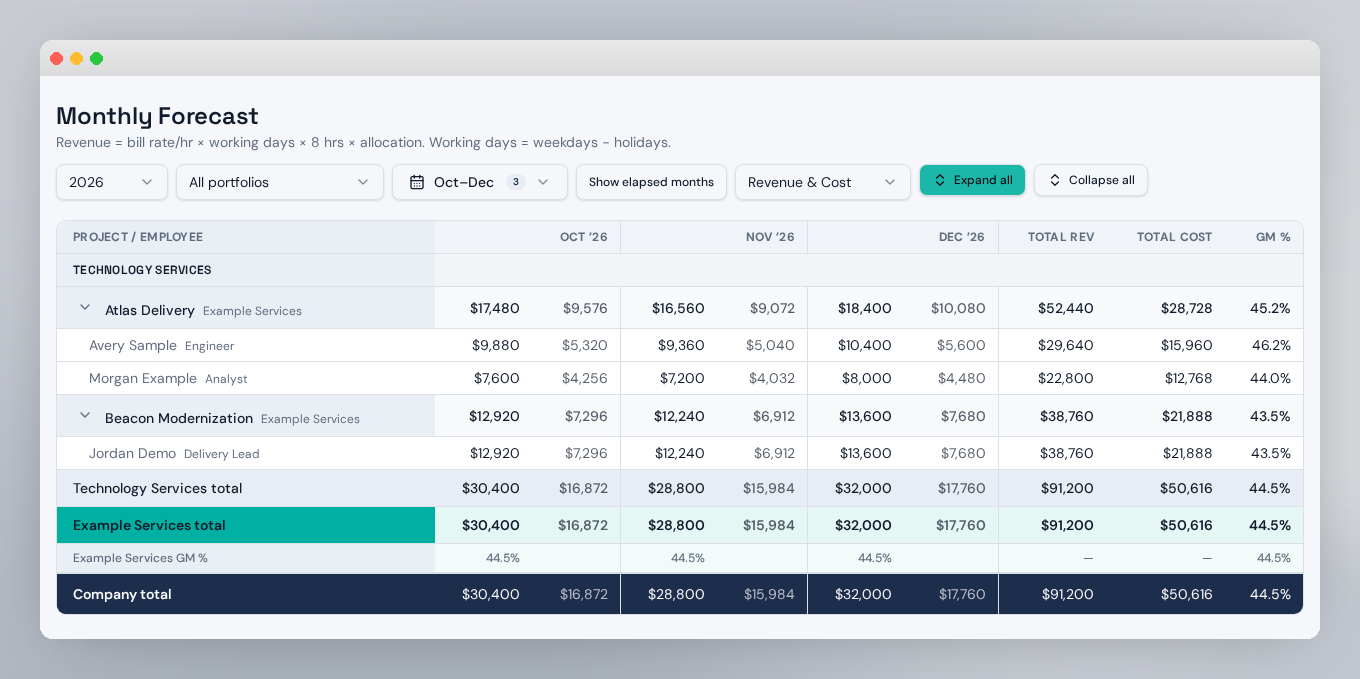
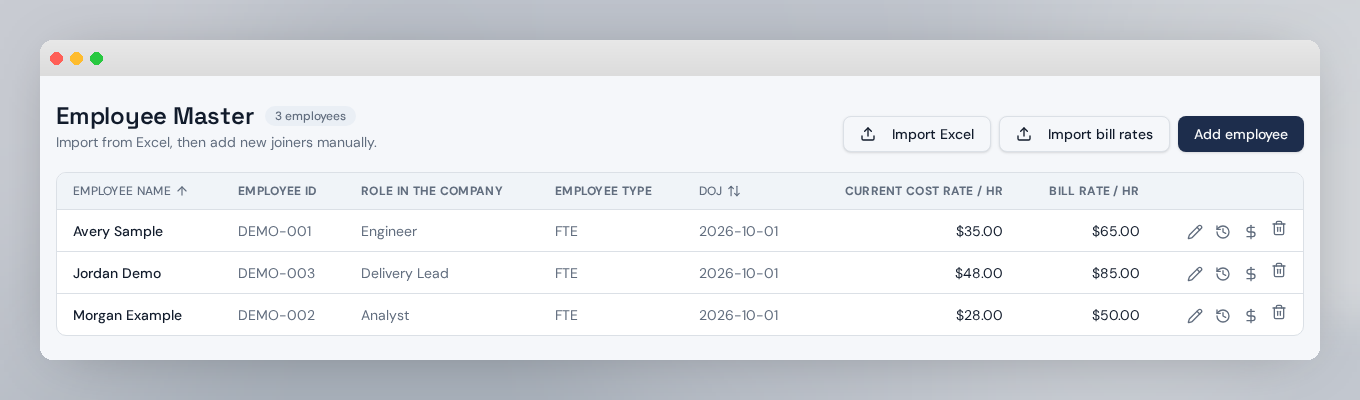
Every name, project and rate below is fictional. No customer employee or salary data appears in these screenshots.